
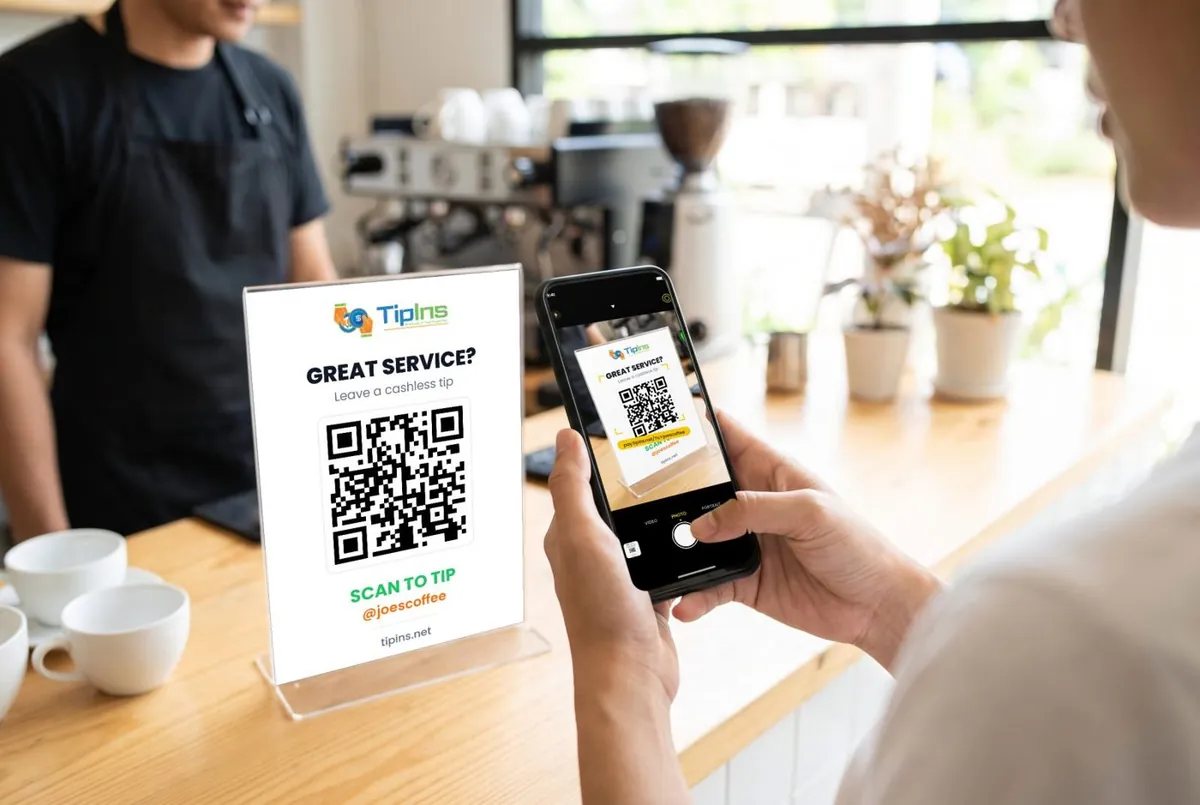
Short answer: you get a personal QR code and tip link. Customers scan it with their phone camera and tip by card, Apple Pay or Google Pay on a secure web page. They need no app and no account. Tips go into your balance and are paid to your bank every week.
For the person receiving tips
- Download TipIns and create an account. Your QR code and your tip link (pay.tipins.net/?u=yourusername) are ready straight away.
- Verify and add your bank account. Payments are processed by Stripe, which checks the identity of everyone who receives card payments. See setting up and verification.
- Show your code. On your phone, on a printed sign, or both. The tip sign generator makes a printable sign.
- Get paid. Tips are paid to your bank every Friday. See when payouts arrive.
For the person tipping
Point your phone camera at the code. A secure payment page opens in the browser, showing who you are tipping. Choose an amount and pay with Apple Pay, Google Pay or a card. By default the processing fees are added on top, so the person receives the full tip you chose; you can untick that box. See tipping someone with TipIns.
For teams
A group has one QR code for the whole team, and each tip is split automatically between members. See groups and active shifts.
Common questions
Does the person tipping need the TipIns app?
No. They scan the code with their phone camera and pay on a web page with a card, Apple Pay or Google Pay.
Is TipIns free?
It is free to download, with no monthly fee. Each tip carries a 10% platform fee plus card processing, which the person tipping covers by default.

 App Store
 Google Play