
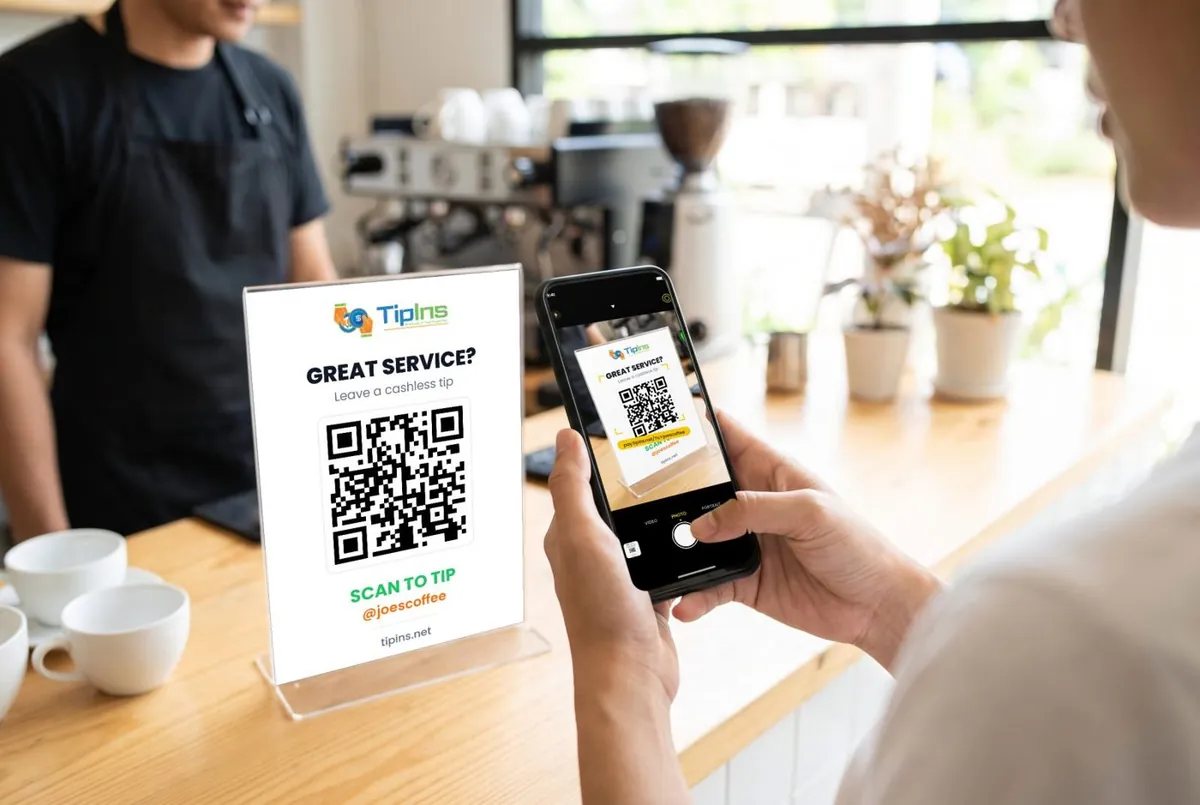
Short answer: Ko-fi can be very cheap: 0% on tips on the "Ko-fi free" option or the Gold plan, plus PayPal or Stripe fees, and it suits online creators. It is built for online support from fans. TipIns is made for tips in person, with a QR code, team splits and weekly payouts.
Side by side
| TipIns | Ko-fi | |
|---|---|---|
| What it is | A tipping app for workers and performers: a personal QR code and tip page, with tips paid to your bank. | Ko-fi is a creator support page where fans send tips, memberships, commissions or shop purchases, paid directly into the creator's own PayPal or Stripe account. |
| Cost of taking a tip | No monthly fee. A 10% platform fee plus card processing (2.9% + $0.30 in the US) per tip, added on top for the person tipping by default, so you receive the full tip. | Standard plan (the default): 5% on all payments including tips, no monthly fee. "Ko-fi free": 0% on tips, 5% on memberships, shop sales and commissions. Gold: $12 a month, 0%. PayPal or Stripe processing fees also apply. |
| What the person tipping needs | No app or account. They scan with the phone camera and pay by card, Apple Pay or Google Pay in the browser. | Payment runs through the creator's own PayPal or Stripe account. |
| QR code | Yes: a personal QR code and link, plus printable signs. | Not stated on its pricing page. |
| Where it works | 41 countries, including the US, UK, Canada, Australia, New Zealand, Japan and most of Europe. | Wherever the creator can hold a PayPal or Stripe account (both available in the US, UK and Australia). No country list on the page read. |
| Getting the money to your bank | Weekly payout every Friday, free; it usually arrives 24 to 48 hours later. Instant payout: 2% plus a small fixed fee, from 14 days after joining. | Ko-fi says you get paid directly and it never holds your money; transfer to bank follows PayPal's or Stripe's own payout terms and fees. |
| Sharing tips with a team | Yes. A group has one QR code and splits each tip equally or by set percentages, with optional active shifts. | None found. |
| Rules that matter for tips | Built for tips. Stripe checks your identity before you can receive tips. | Built for creators receiving support from fans, not for in-person service tipping. |
Ko-fi figures are from Ko-fi's own pages, checked on 20 October 2026; they are US figures unless the row says otherwise. Fees change, so check before you decide.
When Ko-fi is the better choice
Ko-fi can be very cheap: 0% on tips on the "Ko-fi free" option or the Gold plan, plus PayPal or Stripe fees, and it suits online creators.
When TipIns fits better
It is built for online support from fans. TipIns is made for tips in person, with a QR code, team splits and weekly payouts.
Using both
Nothing stops you showing two codes. Many workers keep a payment app for regulars and a TipIns code for everyone else. The QR tip jar maker turns any payment link into a printable code.
Sources
Common questions
Is TipIns cheaper than Ko-fi?
It depends on how you take tips. No monthly fee. A 10% platform fee plus card processing (2.9% + $0.30 in the US) per tip, added on top for the person tipping by default, so you receive the full tip.
Does the customer need Ko-fi to tip me?
Payment runs through the creator's own PayPal or Stripe account.
Does the customer need an app to tip with TipIns?
No app or account. They scan with the phone camera and pay by card, Apple Pay or Google Pay in the browser.

 App Store
 Google Play