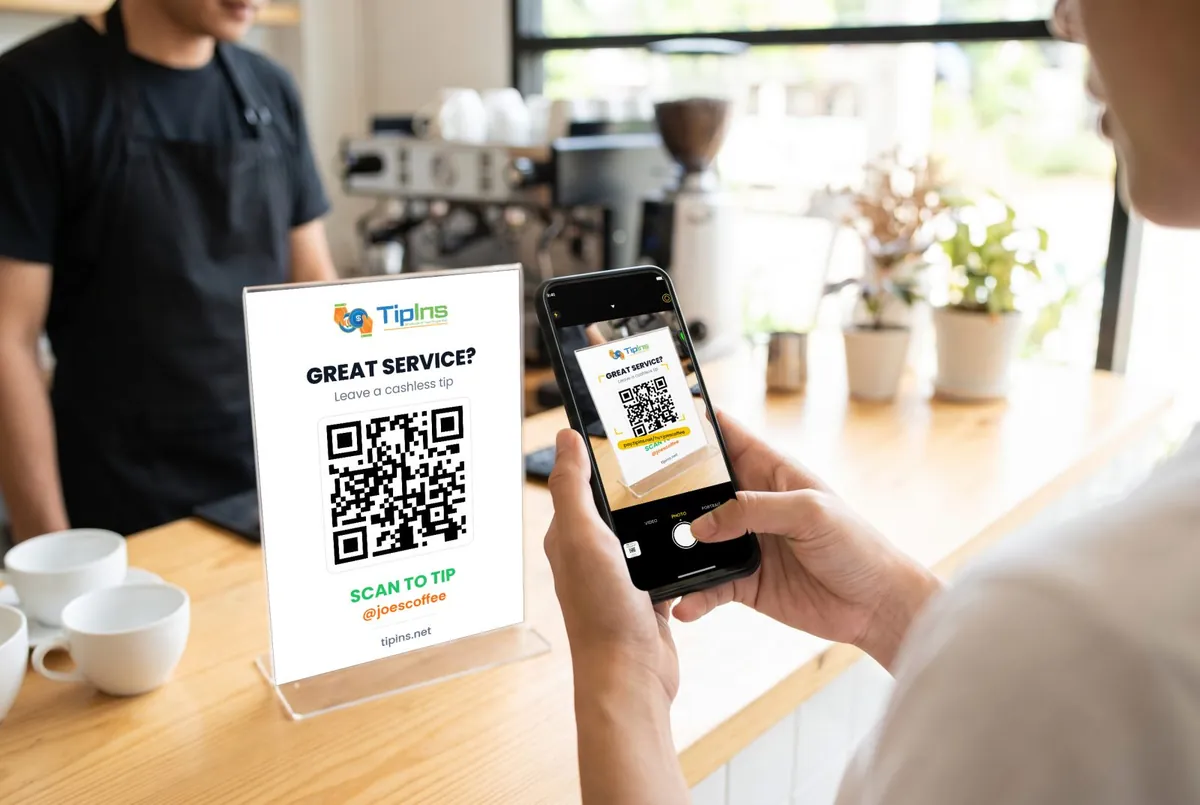
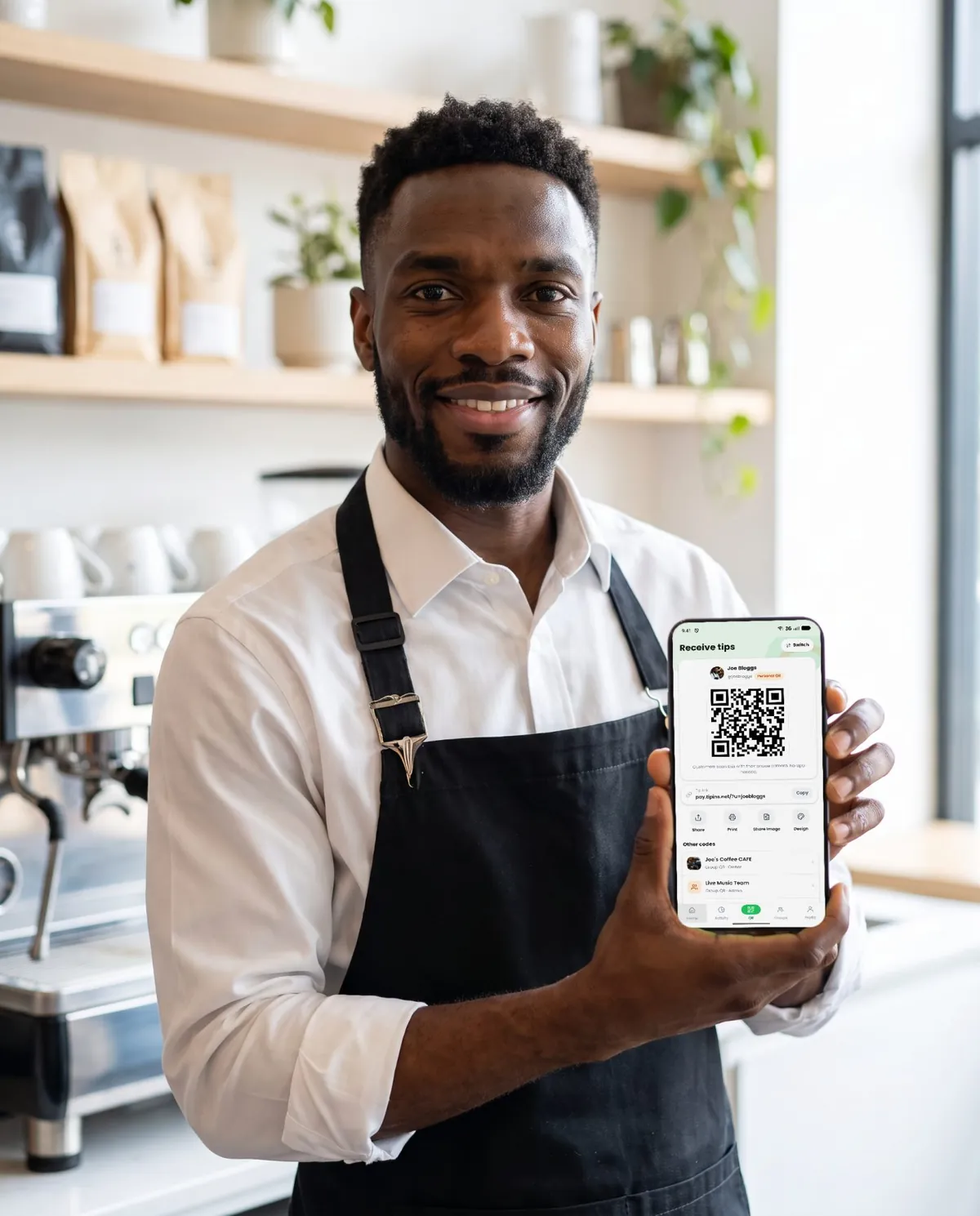
Short answer: a Venmo QR code works for tips if your customers are in the US and already use Venmo. Its limits are that the tipper needs a Venmo account, it does not work for international visitors, and personal accounts are restricted for business use. A card-based tip page covers the people Venmo misses.
Searching for "Venmo for tips" usually means you want the fastest possible way to take a tip without cash. Venmo can be that. It is worth knowing what it does not cover before you print a sign.
How to use Venmo for tips
- Open Venmo and go to your profile.
- Tap the QR code icon and choose your own code.
- Save or share it, then print it on a sign with "Scan to tip" and your @username.
The customer scans the code, Venmo opens on their phone, and they type an amount.
Where Venmo falls short for tips
1. The tipper needs Venmo
The code opens the Venmo app. Someone who has only a bank card, Apple Pay or Google Pay has no way to pay, and few people will install an app and create an account to leave a few dollars.
2. It is US only
Venmo is available only to people in the United States. Tourists cannot use it, and it is not an option at all for workers in Australia, Canada, the UK or Europe.
3. Personal accounts and business use
Venmo's user agreement restricts personal accounts from receiving payments for business activity unless the payment is tagged as goods and services or you use a business profile. Business profiles are charged a seller fee on each payment. Fees and rules change, so read Venmo's current terms before you rely on a personal code.
4. No way to split between a team
A Venmo code pays one account. For a shared jar, somebody has to receive everything and send each person their share afterwards.
5. The tipper types the amount
There are no suggested amounts. A blank field asks the customer to make a decision, and some give up at that point.
Venmo compared with a card-based tip page
| Venmo QR code | TipIns QR code | |
|---|---|---|
| Tipper needs an app | Yes, Venmo | No, the camera opens a web page |
| Card, Apple Pay, Google Pay | Through a Venmo account | Yes, directly |
| Countries | United States | 34 countries |
| Suggested tip amounts | No | Yes |
| Split between a team | By hand | Automatic, equal or by percentage |
| Cost | Free between friends; seller fee on business profiles | 10% platform fee plus processing, covered by the tipper by default |
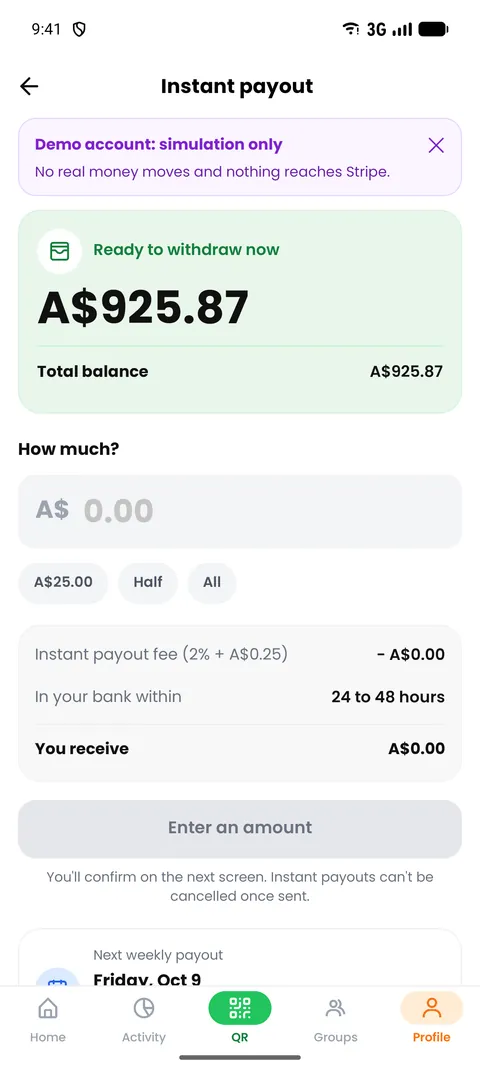
| Money reaches you | Venmo balance, then transfer to bank | Weekly bank payout, or instant for a fee |
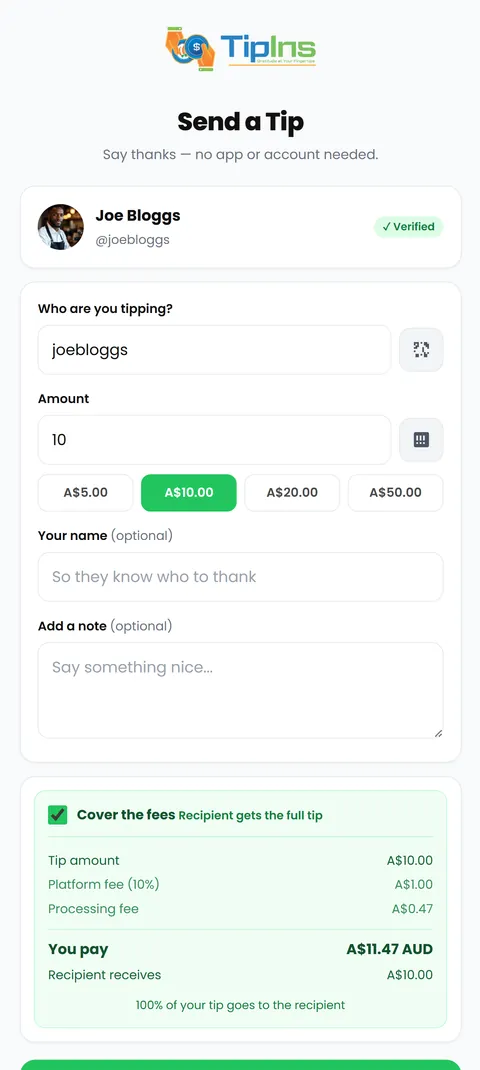
The cost line deserves a plain explanation. TipIns is not free per tip: a 10% platform fee and a small processing fee apply. By default the person tipping pays these on top of the tip, so you receive the full amount they chose. They can opt out, and then the fees come out of the tip.
Other alternatives
- Cash App and PayPal codes. Similar to Venmo: quick to set up, and the tipper needs the same app or an account.
- The tip screen on a card terminal. Good when customers already pay by card at a till. The venue controls where those tips go.
- A tipping app. A code that opens a payment page for any card. Best when you are tipped separately from the bill, work for yourself, or share tips with a team.
Which should you use?
- Mostly US regulars who already pay each other on Venmo: a Venmo code is fine. Add a card option beside it.
- Tourists, a mixed crowd or anywhere outside the US: use a card-based tip page.
- A team sharing tips: use a group code that splits automatically. See how to split tips between employees.
Whichever you choose, the sign matters as much as the service behind it. Read how to make a tip jar QR code sign for sizes and wording.
Venmo is a trademark of PayPal, Inc. TipIns is not affiliated with Venmo. Details were checked in October 2026 and may change.
Common questions
Can I use my personal Venmo account for tips?
Venmo's user agreement restricts personal accounts from being used for business transactions unless the payment is tagged as goods and services or you use a business profile. Check Venmo's current terms before printing your personal code on a sign.
Does Venmo work outside the United States?
No. Venmo is only available to people in the US with a US bank account and phone number. Visitors from other countries cannot use it to tip you.
Does someone need Venmo to tip me through a Venmo QR code?
Yes. The code opens Venmo, so the person tipping needs the app and an account. Someone with only a card or Apple Pay cannot pay through it.
What is the best alternative to Venmo for tips?
Look for a tip page that opens from the phone camera and accepts cards, Apple Pay and Google Pay without an account. TipIns works this way and is available in 34 countries.
Can I use Venmo and another tip QR code together?
Yes. Many people show both. Regulars who already use Venmo will pick it, and everyone else can pay by card.