
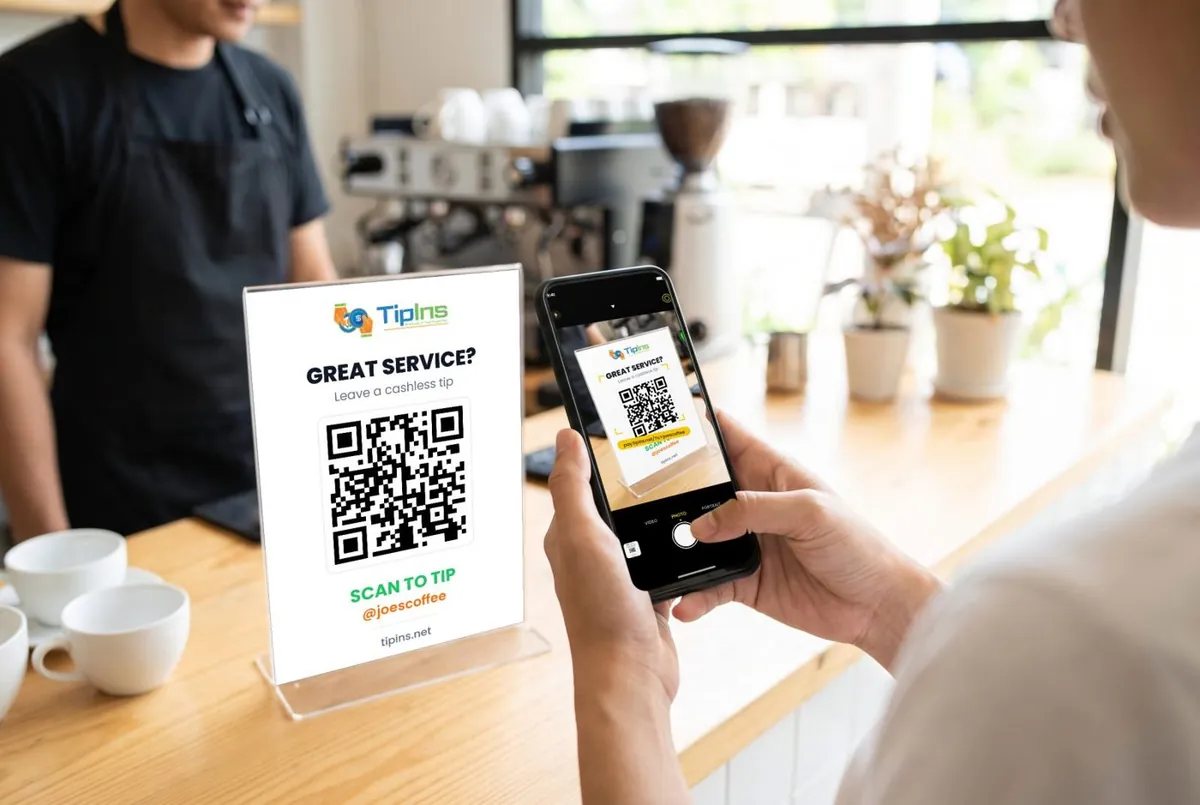
Short answer: Cash App is free to receive on a personal account and widely used in the US, and a business account costs 2.6% + $0.15 per payment, less than TipIns. Customers need Cash App, which is US only, and the terms say a personal balance must not be used for business. TipIns needs nothing from the customer beyond a card or phone wallet, and works outside the US.
Side by side
| TipIns | Cash App | |
|---|---|---|
| What it is | A tipping app for workers and performers: a personal QR code and tip page, with tips paid to your bank. | Cash App is a US peer to peer payment app from Block, with a separate Cash App for Business account type for selling goods and services. |
| Cost of taking a tip | No monthly fee. A 10% platform fee plus card processing (2.9% + $0.30 in the US) per tip, added on top for the person tipping by default, so you receive the full tip. | Personal account: free to receive money. Cash App for Business: 2.6% + $0.15 per payment from a customer's Cash App, and 3% through Tap to Pay. |
| What the person tipping needs | No app or account. They scan with the phone camera and pay by card, Apple Pay or Google Pay in the browser. | For $cashtag payments the tipper needs a Cash App account (US residents only). Business accounts can also take card payments in person via Tap to Pay. Cash App Pay at other merchants (for example Square sellers) is a checkout option where the customer scans a QR code with Cash App. |
| QR code | Yes: a personal QR code and link, plus printable signs. | Yes, each $cashtag has a scannable code, and Cash App Pay uses a QR code at checkout. |
| Where it works | 41 countries, including the US, UK, Canada, Australia, New Zealand, Japan and most of Europe. | United States only: Cash App says only residents of the United States can create Cash App accounts. Not available in the UK or Australia. |
| Getting the money to your bank | Weekly payout every Friday, free; it usually arrives 24 to 48 hours later. Instant payout: 2% plus a small fixed fee, from 14 days after joining. | Standard transfer: free, up to 3 business days. Instant transfer: a percentage fee (Cash App lists 0.5% to 1.75% on its website, and up to 2.5% in its terms), minimum $0.25, usually within minutes. |
| Sharing tips with a team | Yes. A group has one QR code and splits each tip equally or by set percentages, with optional active shifts. | None found. |
| Rules that matter for tips | Built for tips. Stripe checks your identity before you can receive tips. | Terms of Service: funds in your Cash App Balance are for personal, non-commercial purposes and must not be used as a business operating account; Cash App may require you to open or switch to a Business Account if you sell. Cash App for Business supports sole proprietors, single-member LLCs and nonprofit corporations; partnerships, multi-member LLCs, large corporations and international businesses are not supported. Purchases from a Business Account are subject to the seller's refund policy (no purchase protection stated). A personal account is needed to accept friends and family payments. |
Cash App figures are from Cash App's own pages, checked on 20 October 2026; they are US figures unless the row says otherwise. Fees change, so check before you decide.
When Cash App is the better choice
Cash App is free to receive on a personal account and widely used in the US, and a business account costs 2.6% + $0.15 per payment, less than TipIns.
When TipIns fits better
Customers need Cash App, which is US only, and the terms say a personal balance must not be used for business. TipIns needs nothing from the customer beyond a card or phone wallet, and works outside the US.
Using both
Nothing stops you showing two codes. Many workers keep a payment app for regulars and a TipIns code for everyone else. The QR tip jar maker turns any payment link into a printable code.
Sources
- Cash App: Send money
- Cash App help: Cash App for Business fees
- Cash App help: Supported business types and features
- Cash App help: Create a Cash App Business account
- Cash App Terms of Service (US)
Common questions
Is TipIns cheaper than Cash App?
Cash App is free to receive on a personal account and widely used in the US, and a business account costs 2.6% + $0.15 per payment, less than TipIns.
Does the customer need Cash App to tip me?
For $cashtag payments the tipper needs a Cash App account (US residents only). Business accounts can also take card payments in person via Tap to Pay. Cash App Pay at other merchants (for example Square sellers) is a checkout option where the customer scans a QR code with Cash App.
Does the customer need an app to tip with TipIns?
No app or account. They scan with the phone camera and pay by card, Apple Pay or Google Pay in the browser.

 App Store
 Google Play