
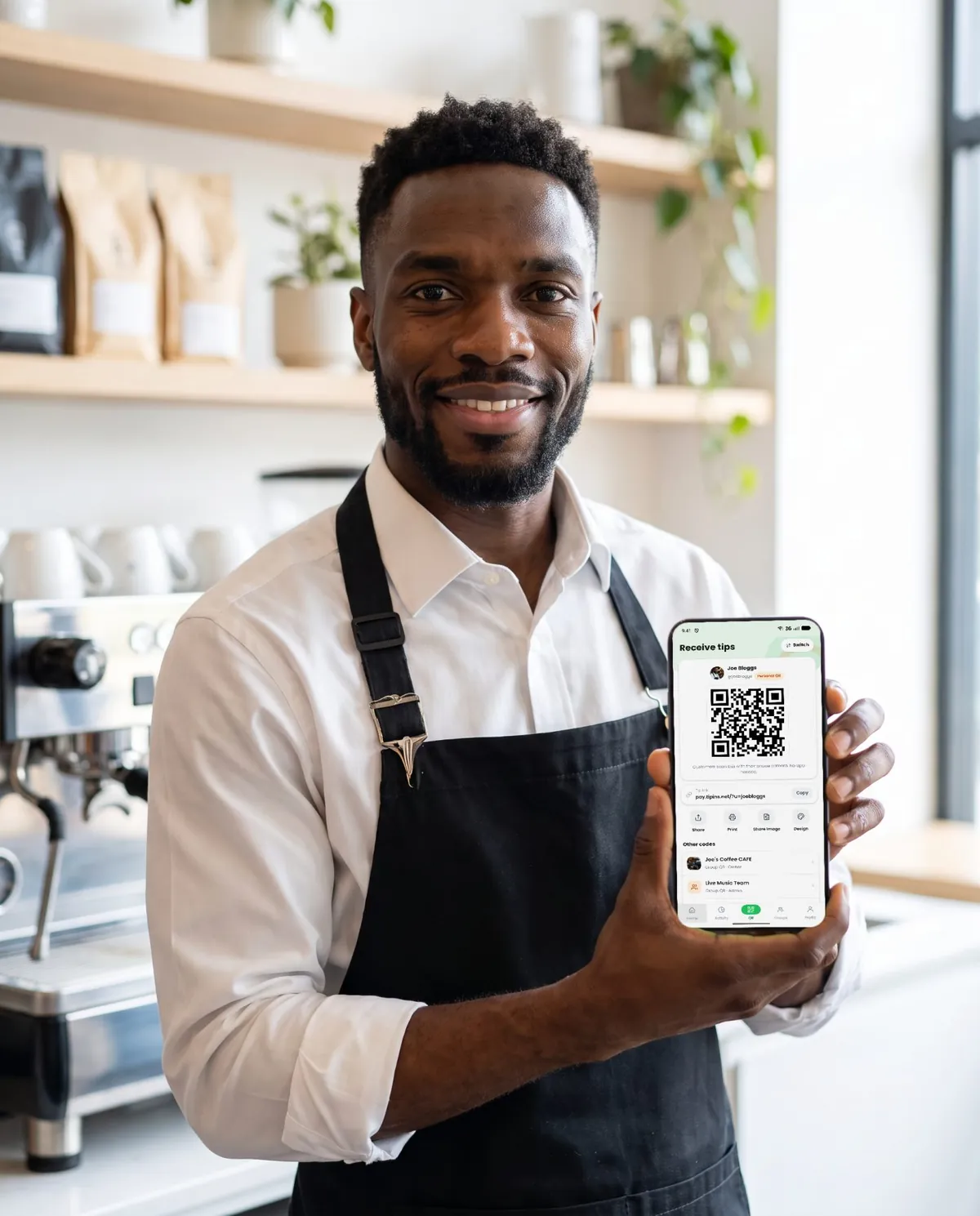
Short answer: Apple Pay and Google Pay are ways to pay with a card stored on a phone. They are not accounts you can receive money into. To accept a tip paid with them, you need something that takes card payments and shows the Apple Pay or Google Pay button: a tip page behind a QR code, or a card reader. Apple Cash, which can send money between people, is a separate service that works only between iPhone users in the US.
Why you cannot simply "receive Apple Pay"
When a customer pays with Apple Pay or Google Pay, their phone passes a card to a business that accepts cards. The money goes to that business's payment processor and then to its bank account. So the question for a tipped worker is not which wallet to set up, but which way of accepting card payments you have.
Your options
| Option | Apple Pay and Google Pay? | Customer needs | Best for |
|---|---|---|---|
| QR code tip page | Yes, in the browser | Their phone | Tips away from a till: tables, doors, tours, kerbs |
| Card reader or tap-to-pay app | Yes, by tapping the phone | To be at your device | Counters, stalls and chairs |
| Apple Cash | No, it is a separate service | An iPhone and Apple Cash, in the US | Friends and family |
A QR code tip page
The customer scans your code with their camera and a payment page opens in the browser. On an iPhone it offers Apple Pay; on an Android phone set up for it, Google Pay; and anyone can type a card. They confirm with Face ID, a fingerprint or a PIN, and that is it. Nothing to install.
TipIns works this way. It is free to download with no monthly fee; each tip carries a 10% platform fee plus card processing (2.9% + $0.30 in the US), which the customer covers on top by default, so you receive the full tip. Tips are paid to your bank every Friday. Your code is ready as soon as you sign up.
A card reader or tap-to-pay app
A reader, or an app that lets a phone take contactless payments, accepts a tapped phone the same way it accepts a tapped card. Square's free plan charges 2.6% + 15 cents per in-person payment. It needs the customer to be at your device, which suits a counter better than a hotel corridor.
What about Apple Cash?
Apple Cash sends money between people in Messages and Wallet. Apple says it is available only in the 50 US states, DC and Puerto Rico, and that you must be 18 and a US resident to set it up. Both people need an Apple device, so it cannot take a tip from an Android user or a visitor from abroad, and Apple presents it for personal payments such as splitting bills. Fine between friends; not a way to take tips from the public.
Sources
- Square US: Understanding our fees
- Square help: Learn about Square fees
- Square Payment Links (US)
- Square help: Create and share payment links
- Square help: Set up and edit transfer options
- Square help: Get started with tip pooling
- Apple: Apple Cash
Checked in October 2026; Apple Cash on 13 November 2026. Fees and terms change, so check the company's own pages before you decide. This is general information, not tax or legal advice.
Common questions
Can I receive tips through Apple Pay?
Not directly. Apple Pay is a way to pay with a card. You need something that accepts card payments, such as a QR code tip page or a card reader, and the customer then pays with Apple Pay.
Can customers tip with Google Pay by scanning a QR code?
Yes, when the code opens a card payment page that offers Google Pay, as TipIns does on Android phones set up for it.
Can I use Apple Cash for tips?
Only with people who also use Apple Cash on an Apple device in the US. It cannot take a tip from an Android user or a visitor from abroad.
Does the customer need an app to tip with Apple Pay?
No. With a QR tip page, Apple Pay opens from the browser on their iPhone.

 App Store
 Google Play
