Short answer: create a tip page in a tipping app, export its QR code, print it at least 4 cm wide on matte card with the words "Scan to tip" and the payment methods you accept, and stand it upright where customers pause to pay.
A QR code next to the tip jar gives people without cash a way to tip. Whether they use it depends on a few details: can they scan it without leaning over the counter, do they know what will happen, and is it in front of them at the moment they are deciding. This guide covers each.
Step 1: Create the page the code points to
A QR code is only a link drawn as a picture. The real question is where the link goes. You have three choices:
| Option | Customer needs | Good to know |
|---|---|---|
| Payment app code (Venmo, Cash App, PayID) | The same app and an account | Often limited to one country. Check the app's rules on business use. |
| Card terminal tip screen | To be paying by card already | Tips go through the till, so the venue controls the split. |
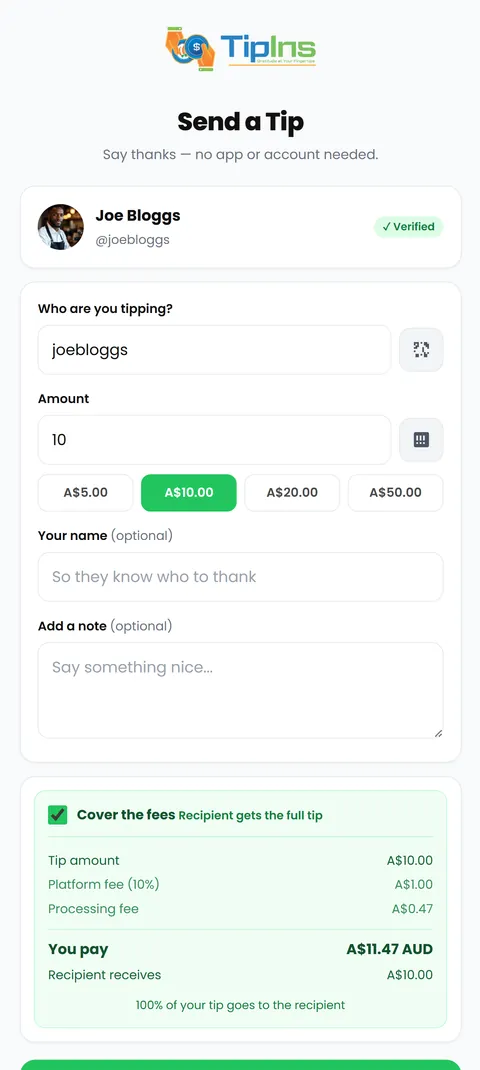
| Tipping app code (TipIns) | A phone camera | Pays by card, Apple Pay or Google Pay. Works for one person or a team. |
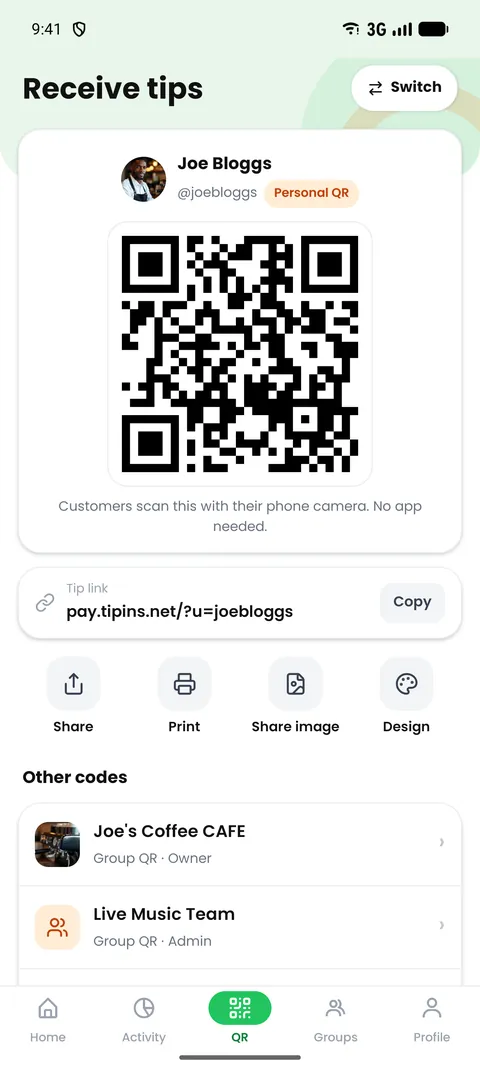
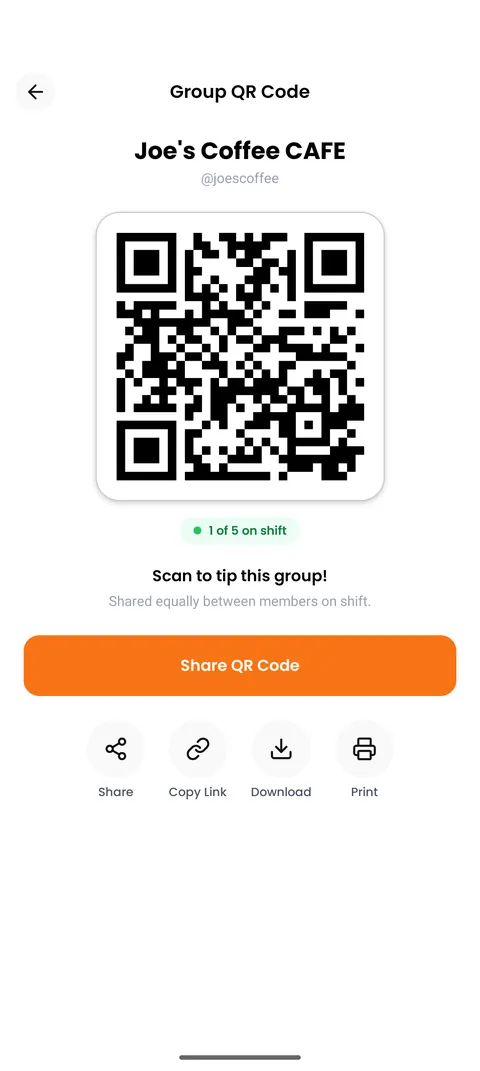
In TipIns, your code exists as soon as your account does. Open the QR tab to see it.
Step 2: Choose the print size
The rule of thumb is that a phone can read a code from about ten times its width.
| Where it sits | Scanning distance | Code width | Paper |
|---|---|---|---|
| Name badge or lanyard | 30 cm | 3 cm | Business card |
| Counter or table | 40 to 60 cm | 5 to 6 cm | A5 |
| Behind the bar, food truck hatch | 1 to 1.5 m | 12 to 15 cm | A4 |
| Street pitch, market stall | 2 to 3 m | 20 to 30 cm | A3 |
TipIns exports your design in business card, A5, A4 and A3, so you can pick the row that matches and print it without resizing anything yourself.
Step 3: Write the wording
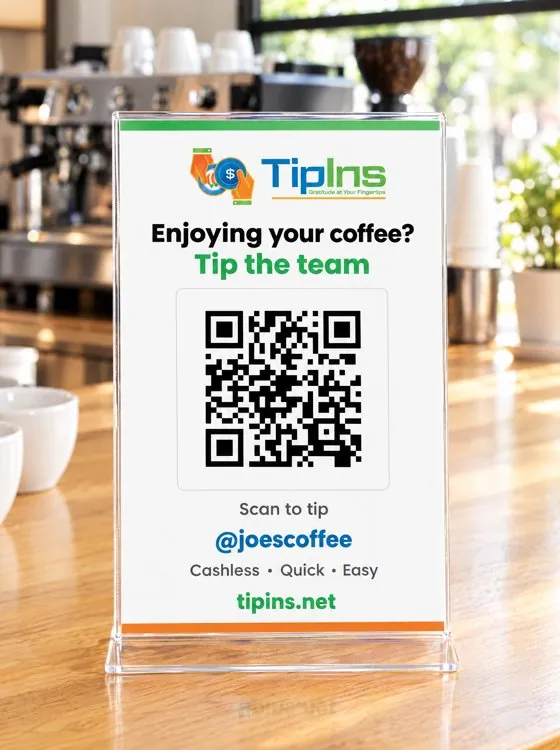
A code with no words gets ignored, because people do not scan things without knowing what they open. Use three short lines:
- A reason. "Enjoying your coffee?" or "Great service?"
- The action. "Scan to tip the team."
- How they pay. "Card, Apple Pay, Google Pay. No app needed."
Add your name or the venue's name under the code. People are more comfortable paying when they can see who receives it.
Step 4: Print it so cameras can read it
- Dark code on a white background. Coloured or inverted codes fail more often.
- Leave a white border around the code about the width of four of its small squares.
- Matte finish. Gloss lamination and shiny acrylic reflect lights and windows.
- Test before you print twenty. Scan it with two different phones from the distance your customers will stand.
Step 5: Put it where people pause
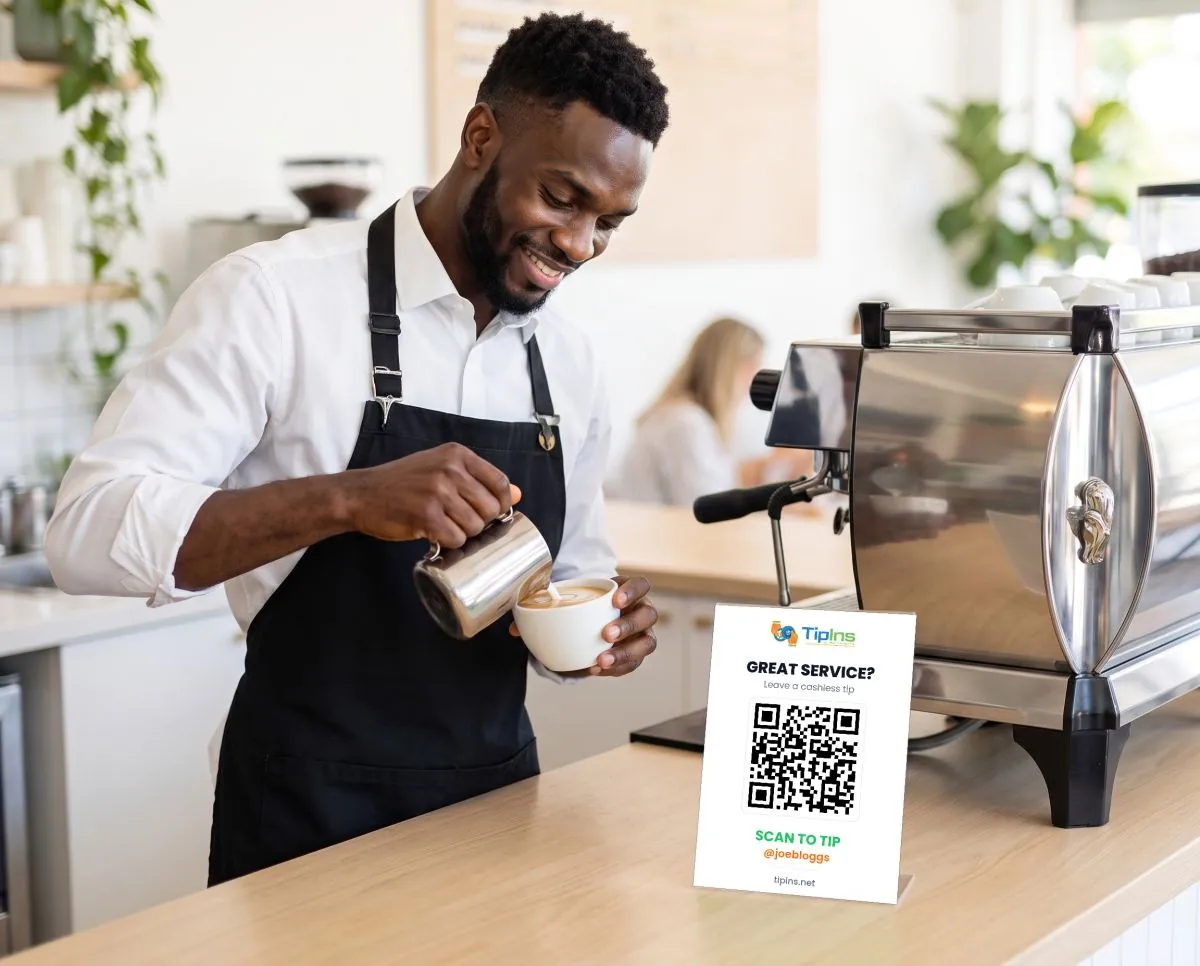
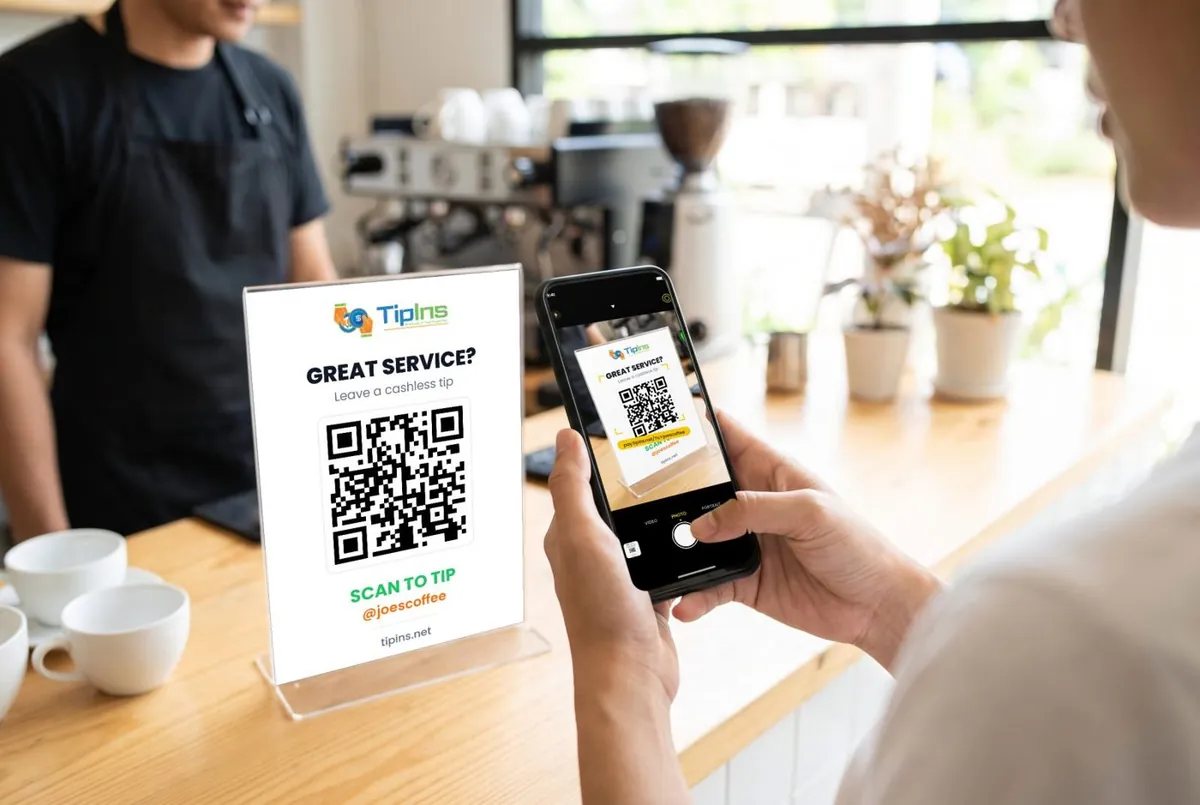
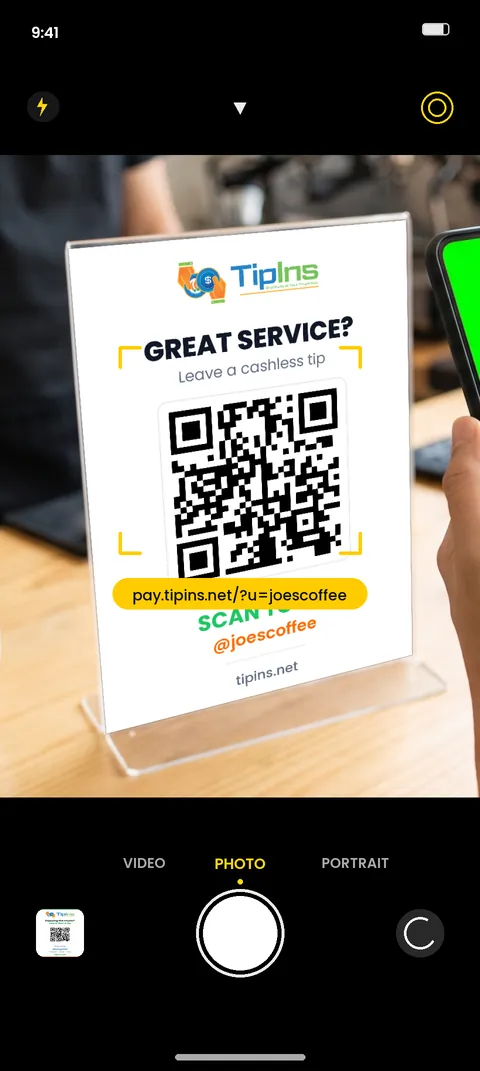
The best spot is wherever a customer stands with their phone already in hand: beside the card terminal, at the pick-up point, on the table with the bill. Stand it upright with a small acrylic holder or a folded tent card. A sign lying flat is hard to aim at and gets covered by cups.
Common mistakes
- Printing the code too small to save space for decoration.
- Taping it to a curved jar, which distorts the code.
- Changing your username after printing. The old code stops working, so settle on a name first.
- Hiding the cash jar. Keep both. Different customers prefer different ways to tip.
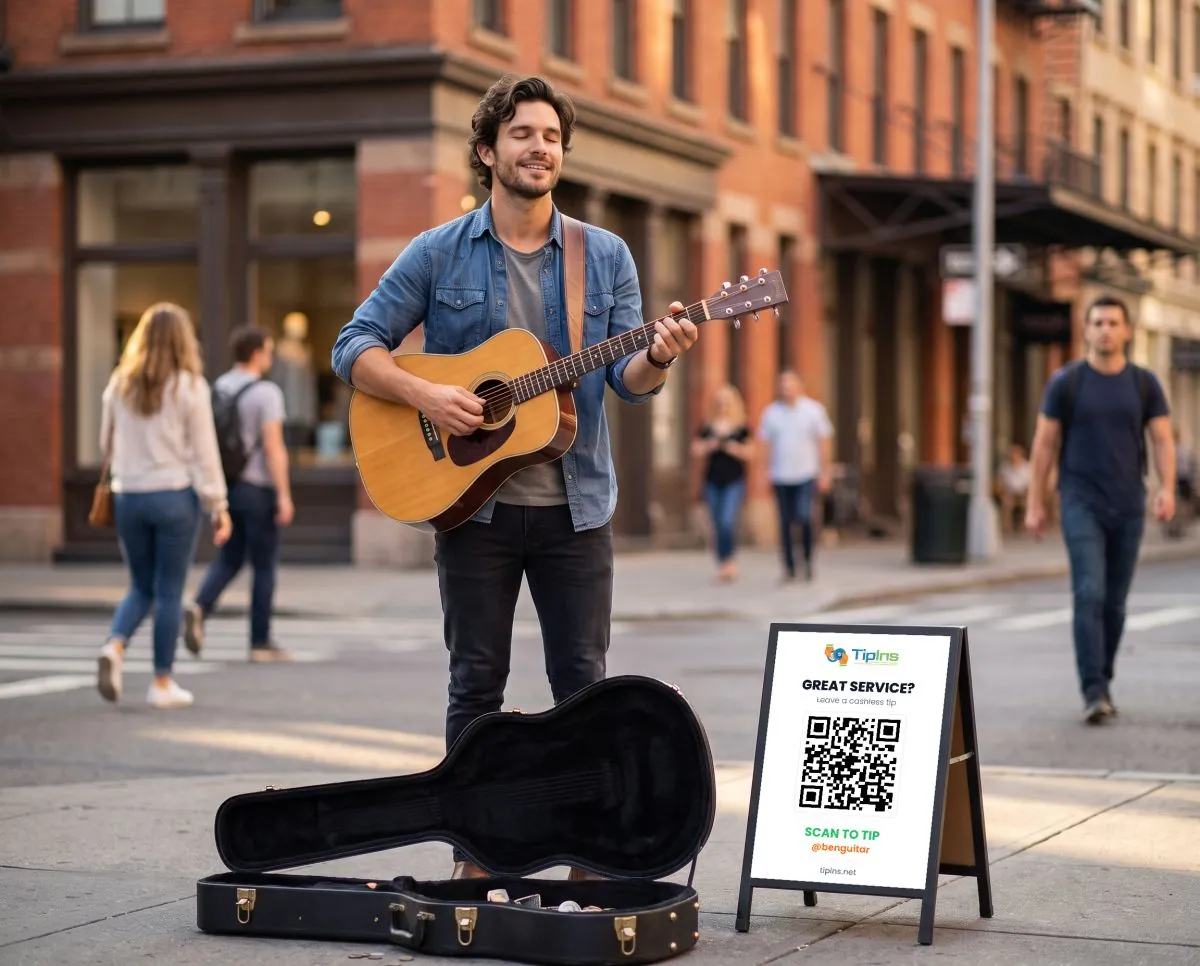
Working from a hatch or a market stall? See food truck tip jar ideas. On the street, see the digital tip jar guide for buskers.
Common questions
What size should a QR code be on a tip sign?
A phone reads a QR code from about ten times its width. For a counter sign scanned from arm's length, make the code at least 4 cm wide. For a sign read from two metres away, make it 20 cm wide.
Can I use a free QR code generator for tips?
A generator only turns a link into a picture. You still need a payment page for it to point to. A tipping app gives you both the page and the code, and the code keeps working if you reprint the sign.
What should a tip jar QR sign say?
Give a reason, an action and the payment methods. For example: Enjoyed your coffee? Scan to tip the team. Card, Apple Pay and Google Pay.
Do customers need an app to scan a tip QR code?
With TipIns, no. The phone camera opens a secure web page where they choose an amount and pay. Only the person receiving tips needs the app.
Can one sign be used for a whole team?
Yes. Create a group and print its QR code. Each tip is split between the members automatically and paid into each person's own account.